
Dec 9, 2025
Smart Campus System
EDU SPHERE | SIH WINNER ✨
Project Overview
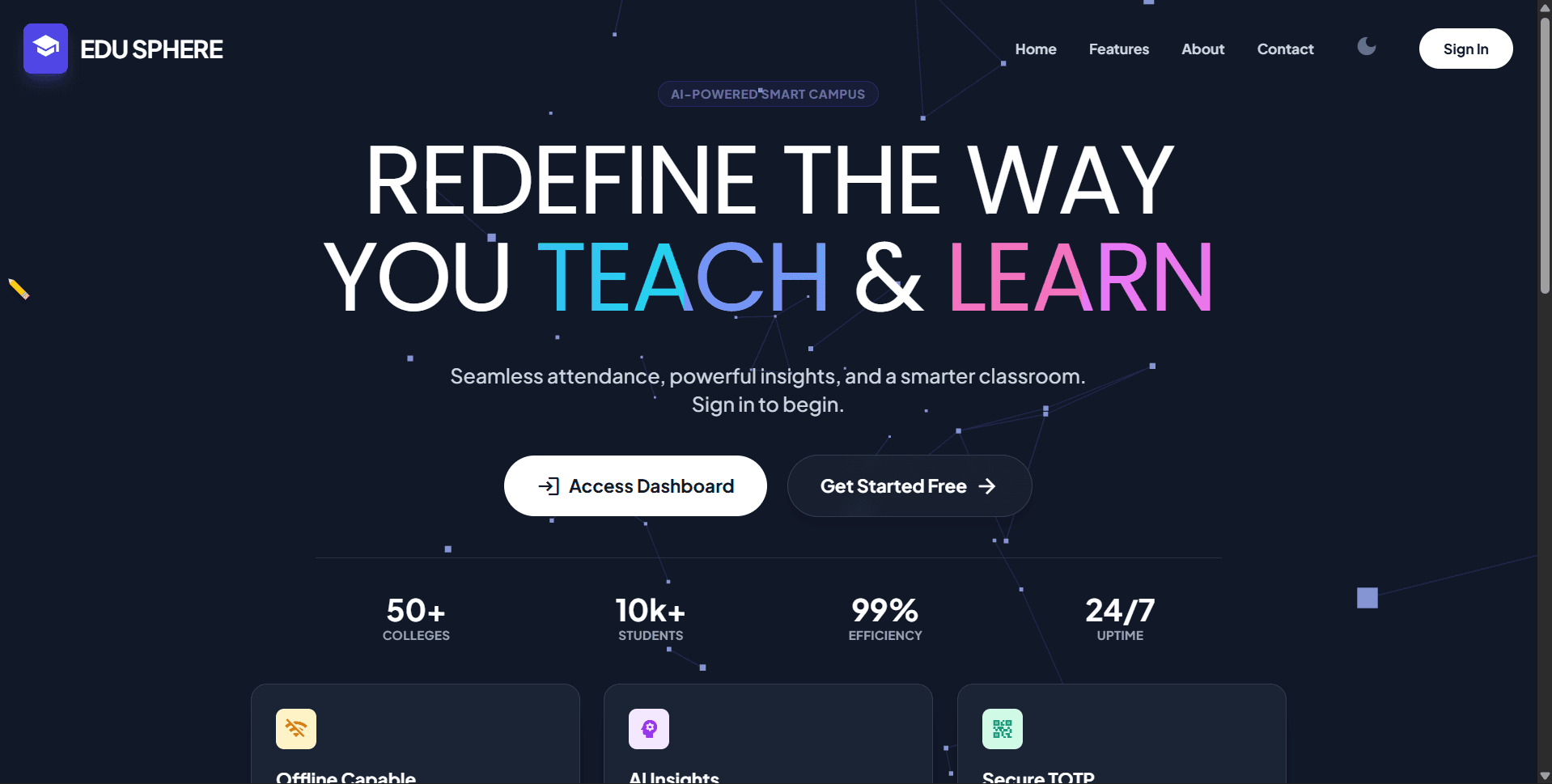
The National Winner solution for Smart India Hackathon 2025. A 'Zero-Hardware' attendance ecosystem featuring offline synchronization, military-grade encryption, and AI-driven personalized learning.
The Challenge
Handling complex data synchronization across multiple devices without internet.
The Solution
Custom conflict-resolution logic with local IndexedDB storage.
Technical Deep Dive
🏆 SIH 2025 NATIONAL WINNER REPORT
Team Phantom Techies | Problem Statement SIH25011
1. Project & Team Details
Event: Smart India Hackathon 2025 (Software Edition)
Nodal Center: CGC Landran, Mohali, Punjab
Institute Represented: LNCT Group of Colleges (LNCT&S), Bhopal
Team Name: PHANTOM TECHIES
Team Leader: Krishna Mohan Kumar
Members: Rishi Raj, Anushka Yadav, Abhay Raj, Ramendra Singh Chauhan, Aarti Pawar
Mentor: Dr. Bhawana Pillai Ma'am
Achievement: NATIONAL WINNER (₹1.5 Lakh Prize)
2. Executive Summary
EduSphere is a Zero-Hardware, Offline-First Smart Campus Ecosystem designed to solve the critical challenges of connectivity, attendance fraud, and student disengagement in educational institutions.
Unlike traditional systems that rely on expensive biometric hardware or stable internet, our solution utilizes Military-Grade Encryption (HMAC-SHA256) and a novel Sync-Later Architecture. This ensures that attendance can be marked securely even in rural areas or basements with zero network, effectively bridging the digital divide in Indian education.
3. Problem Statement (SIH25011)
We addressed three critical bottlenecks in the Indian education sector:
Infrastructure Dependency: Reliance on stable internet and biometric machines causes system failure in rural/remote colleges.
Proxy & Fraud: Static QR codes and manual roll calls are easily manipulated by students (sharing screenshots, buddy punching).
Academic Disengagement: Students often lack personalized guidance when classes are cancelled, leading to unproductive free time.
4. Technical Architecture
Our solution is built on a robust MERN Stack with advanced cryptographic security:
Frontend: React.js, Tailwind CSS (Glassmorphism UI), GSAP Animations, Three.js.
Backend: Node.js, Express.js.
Database: Hybrid Architecture (Firebase Firestore for Cloud + IndexedDB for Offline Local Storage).
AI Engine: Google Gemini Pro API (For Context-Aware Task Generation).
Security: crypto (HMAC hashing), speakeasy (TOTP generation), Geo-Fencing.
5. The "Sync-Based" Secure Attendance System
We eliminated the need for biometric hardware using a Hybrid Online-Offline Architecture.
Section A: Offline-First Synchronization Logic
The Scenario: A student is in a rural area or a basement classroom with no signal.
The Action: The student scans the dynamic QR code generated by the teacher.
Local Encryption: The system captures the Timestamp + Geo-Location + Device ID. This data is encrypted using HMAC-SHA256 and stored locally on the student's device.
The Sync Button: As soon as the device detects internet connectivity, a Sync Attendance button appears.
Verification: Clicking the button sends the encrypted payload to the server. The server verifies the hash signature.
Section B: Anti-Fraud Security Layers
TOTP Dynamic QR: The QR code refreshes every 30 seconds. Screenshots are useless.
Geo-Fencing: Scans are rejected if the student is >50 meters away from the classroom.
Device Binding: One Device - One Login policy ensures students cannot log in on a friend's phone to mark proxy.
HMAC Encryption: Even if data is intercepted, without the secret key, it cannot be decrypted or forged.
6. AI-Driven Hyper-Personalized Learning
This module solves the "What do I do now?" problem when a class is cancelled.
Section A: The Interest-Goal Bridge Engine
The system builds a Psychographic Profile of the student based on Interest (e.g., PUBG), Goal (e.g., Web Dev), Level, Learning Style, duration.
The Bridge Logic: The AI generates a task like "Build a PUBG Scorecard using HTML Tables" — teaching the curriculum through the lens of the student's hobby.
Impact: Transforms Wasted Time into Skill Building Time.
Section B: Reactive Feedback Loop
Content Delivery: AI provides resources (Video/Docs) matching the student's style.
Adaptive Remediation: If the student scores <60% on a quiz, the AI does not simply repeat the question. It schedules a remedial task using a different teaching method (e.g., giving another task on same topic).
7. 📢 Engagement & Communication
Curated Chatbot: A restricted AI bot that answers academic queries without hallucinating false info.
Polls & Announcements: Teachers can broadcast image-based announcements or run quick polls (e.g., "Should we reschedule the test?").
Real-Time Updates: Socket.io ensures all users see these updates without refreshing the page.
8. Key Features by User Role
👨🎓 Student Module
Productivity Tools: Integrated Pomodoro Timer for focused study sessions.
Smart Schedule: Daily updated timeline. If a class is cancelled, the slot turns into an "AI Task Slot."
Context Settings: Students can update their current mood or time availability to get tailored tasks.
Offline Sync: Button to push offline attendance records when online.
👩🏫 Teacher Module
Voice Navigation (Accessibility): Teachers can navigate the dashboard and start sessions using voice commands (e.g., "Open Analytics," "Start Attendance").
Deep Analytics: Visual graphs showing attendance trends, task completion rates, and "At-Risk" students.
Bulk Schedule Upload: Teachers upload a CSV/Image of the timetable, and AI parses it to create digital schedules instantly.
AI Report Generation: One-click download of attendance reports (PDF/Excel) with AI-suggested "Absentee Lists."
👮 Admin Dashboard (The Fortress)
Secure Onboarding: No public registration. Admins Bulk Upload CSVs of verified students/teachers.
Identity Binding: Accounts are created only if the Google Email matches the pre-uploaded Faculty/Student ID.
System Oversight: View global stats on app usage, sync status, and active users.
9. Bridging the Accessibility Gap: Inclusive Education for All
Problem: Traditional EdTech platforms rely heavily on visual interfaces (screens, buttons) and manual inputs (mouse, touch), making them unusable for visually impaired or motor-disabled users.
Solution: EduSphere implements a "Sensory-First" Design, allowing users to interact with the system using Voice, Sound, and Haptics, ensuring that disability is not a barrier to education.
A. 🎙️ Voice Command Center (No-Touch Interface)
For Motor-Impaired Teachers & Students
Instead of navigating complex menus, users can control the entire dashboard using voice commands via the Web Speech API.
For Teachers:
Command: "EduSphere, start attendance for CS Section A."
Action: System automatically navigates to the class, generates the TOTP QR code, and projects it.
Command: "Show me the absentee list."
Action: System opens the analytics modal and reads out the names.
For Students:
Command: "What is my task for today?"
Action: System reads out the AI-generated bridge task.
B. 📳 Haptic & Audio Feedback for QR Scanning
For Visually Impaired Students
Scanning a QR code is difficult if you cannot see where the screen is. We solved this using Sensory Cues:
Audio Guidance: When the camera opens, the TTS voice guides: "Camera active. Hold phone steady."
Success Haptics: The moment the QR code is detected and decrypted successfully, the phone vibrates (using the Vibration API) and plays a distinct "Success Chime."
Benefit: A blind student knows exactly when their attendance is marked without needing to look at the screen.
10. Future Scope: The BLE Mesh (Hardware-Free)
To make the system completely infrastructure-independent, we proposed the BLE Mesh Network:
Concept: Transitioning from Client-Server to a Smartphone Mesh Network.
No Hardware Needed: Utilizing Bluetooth Low Energy (BLE) sensors present in every smartphone.
How it works: The Teacher's phone acts as a Beacon. Student phones detect the signal strength (RSSI) and verify each other's physical presence, creating a Chain of Trust without needing internet.
Parent Awareness: Parents receive real-time notifications of attendance marked by their ward, enhancing transparency.
11. The 36-Hour Battle: Challenges Overcome
The path to victory at CGC Landran was not smooth.
The Crisis: In the final 4 hours, our USB Debugging bridge failed, preventing deployment to test Android devices.
The Pivot: Led by Krishna Mohan, we rapidly re-configured the environment to use Wireless Debugging and set up a local hotspot mesh.
The Result: We successfully demonstrated the Offline Sync live to the judges, proving our system works even when the infrastructure fails.
12. Conclusion
EduSphere is not just an app; it is a resilient educational infrastructure. By addressing the specific challenges of rural connectivity (Offline Sync), accessibility (Voice Nav), and student engagement (Personalized AI), it offers a complete, secure, and futuristic solution for modern campuses.
> "We didn't just build an app; we built a resilient infrastructure for the future of Indian Education." — Team Phantom Techies